Search agents
Search agents…
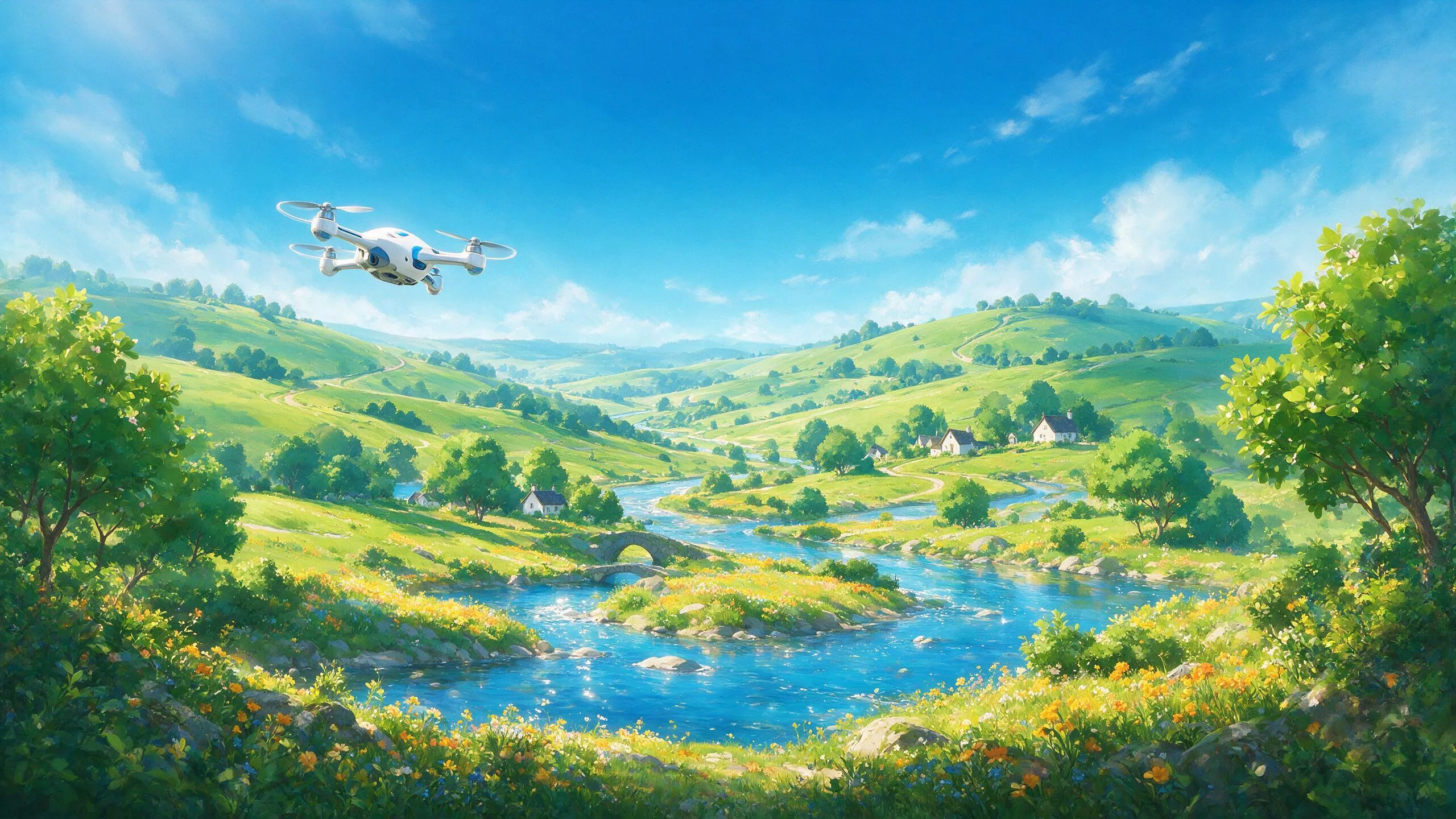
Turn one still photo into a sweeping drone flyover, a tight orbit, or a full orbit-to-street Earth Zoom plunge — no rig, no permits, no reshoot. Pick a flight path (FPV dive, slow orbital pivot, top-down reveal, or pull-back-to-planet) and get a smooth cinematic clip in minutes. Built for travel intros, real-estate reveals, and scroll-stopping openers.
About Aerial Drone Studio
Aerial Drone Studio is an AI video agent that turns one still photo into a moving aerial shot. Upload a frame, pick a flight path — an FPV dive, a slow orbital pivot, a full orbit-to-street Earth Zoom plunge — and it animates a camera flying through your scene with the subject held in place, no drone, no permits, no reshoot. Built for real estate, travel and brand teams who need a hero aerial from a photo they already have.
What you can create with Aerial Drone Studio
- Sweeping flyovers of a property, coastline, venue or skyline from a single photo
- Tight orbits and slow orbital pivots that circle a subject and reveal depth
- FPV dive shots that plunge into a scene at speed for high-energy openers
- Earth Zoom plunges that fall from orbit down to street level in one continuous move
- Vertical aerial hooks cut for Reels, TikTok and Shorts
Sample prompts to try
- 🏝️ Slow orbital pivot around a lone overwater villa at golden hour, turquoise lagoon below
- 🌆 A rooftop selfie pulls back into a screaming Earth Zoom — city, coastline, clouds, curved planet
How to use Aerial Drone Studio
- 1Upload the still photo you want to send airborne — an exterior, a landscape, a product hero.
- 2Pick a flight path: FPV dive, slow orbital pivot, tight orbit, or orbit-to-street Earth Zoom.
- 3Generate, then iterate on the previous render to adjust speed or altitude — session memory means you tune the flight, not re-roll it.
- 4Download in your target aspect ratio and drop it into the edit.
Frequently asked questions
How is this different from a Ken Burns pan or a template filter?
A pan slides across a flat image. Aerial Drone Studio builds real parallax — the camera flies through the scene, so foreground and background separate the way they would from an actual drone. A server-side flight-and-camera style DNA is assembled into every request, so orbits and dives stay physically plausible instead of warping the photo.
Will my subject stay recognizable through the move?
Yes. The building, coastline or product you upload stays locked as the anchor of the shot while the camera moves around it — the flight path changes, the subject does not. Because the style DNA lives on the server, that consistency holds across every render.
Do I need a drone, permits or a reshoot?
None of it. One still photo is the whole input. There is no rig to fly, no airspace permit to file and no return trip to the location — you get the aerial from a frame you already have.
Is Aerial Drone Studio free to try?
You can generate before signing in — the login prompt appears when you send. Video runs on a credit system priced above stills, so you can test a flight path before you commit credits to the final render.
Related guides
More video agents
Aerial Drone Studio is one of 61 specialized visual agents on ReelWand. Explore the full catalog or browse the AI model guides.