Search agents
Search agents…
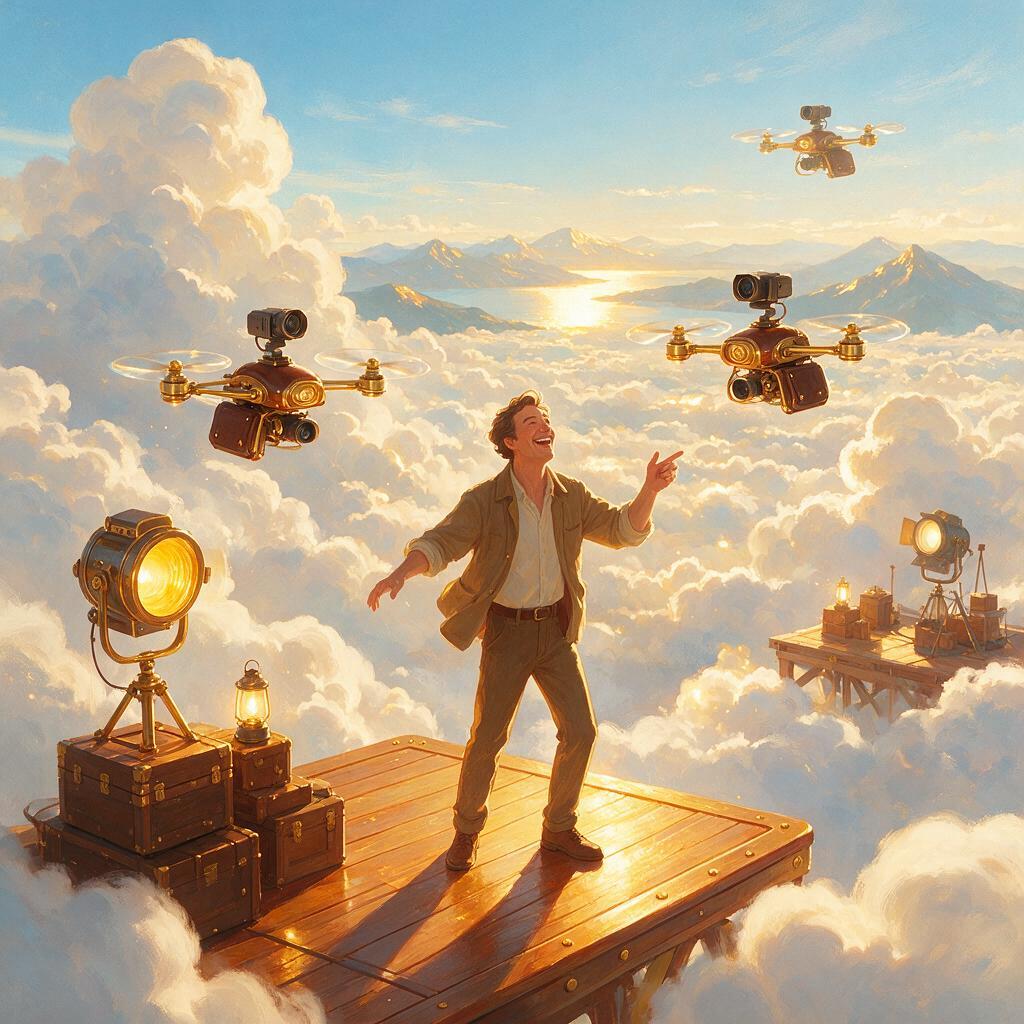
Type a scene, name your shot, get a film-grade clip. Pick a camera move from a real cinematographer's kit — dolly in, 360 orbit, crane, bullet time — and the studio renders it as the dominant visual idea, not a happy accident. Every shot lands with a chosen lens, focal length, and lighting logic so it cuts straight into an edit.
About Director's Cut Studio
Director’s Cut Studio is an AI video agent that turns a written scene into a film-grade clip. You describe the moment and name a shot — a slow dolly-in, a 360 orbit, a crane reveal — and it renders that camera move as the dominant visual idea, with a chosen lens, focal length and lighting logic baked in, ready to cut straight into an edit.
What you can create with Director's Cut Studio
- Cinematic establishing shots and reveals with motivated camera movement
- Moody, graded narrative scenes — neon-noir, golden-hour, high-contrast
- Bullet-time and 360 orbit moments around a subject
- B-roll and transition shots that match a specific lens and focal length
Sample prompts to try
- 🌧️ A lone detective stands under a flickering streetlamp — slow dolly in, 85mm, rain streaking the neon
- 🏎️ A vintage racer skids to a stop as time freezes — 360 bullet-time orbit around the drifting car
How to use Director's Cut Studio
- 1Describe the scene and the moment in plain language — subject, action, mood.
- 2Name the camera move and lens you want (e.g. "slow dolly in, 85mm").
- 3Generate, then refine on the previous render instead of re-rolling — the agent keeps the look consistent.
- 4Download the clip in your target aspect ratio and drop it into your edit.
Frequently asked questions
What makes Director’s Cut Studio different from a raw video model?
It carries a permanent style DNA — anamorphic framing, motivated lighting, a filmic grade — assembled into every request server-side, so shots stay on-look without you re-typing the craft vocabulary. Underneath it uses top video models like Seedance and Veo; the direction is the product.
Which AI video model does it use?
The agent selects and assembles the model call for you (Seedance-class generation for long coherent takes), so you brief the shot rather than pick the engine. See the best AI video generator guide for how the models compare.
Can I control the camera movement?
Yes — naming the move is the point. Say "crane up as she turns" or "360 bullet-time orbit" and the studio treats it as the shot’s dominant idea, not a happy accident.
Is it free to try?
You can generate without an account — the login prompt appears when you send. Video runs on a credit system priced above stills, so experimentation stays affordable.
Related guides
More video agents
Director's Cut Studio is one of 61 specialized visual agents on ReelWand. Explore the full catalog or browse the AI model guides.